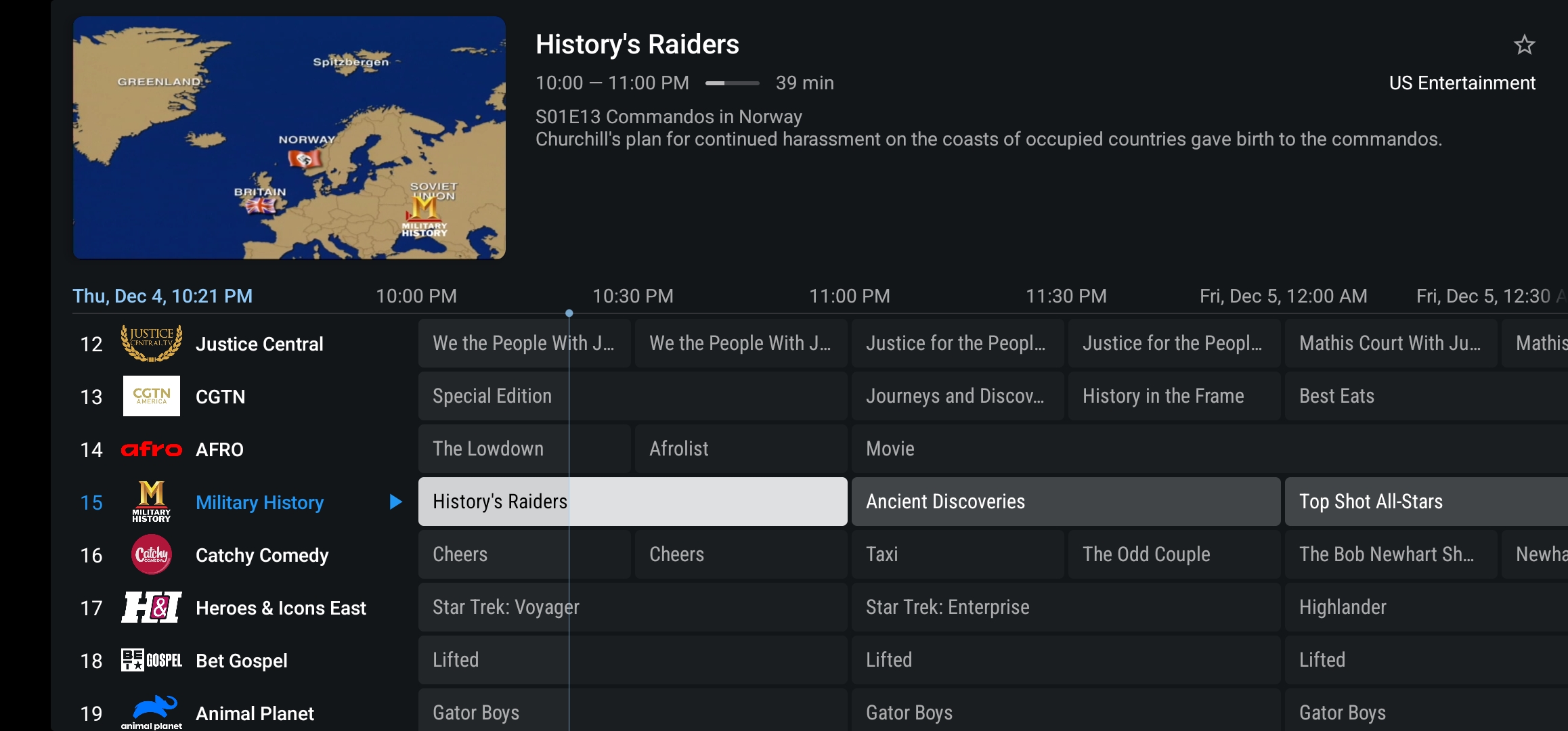
TiviMTB Firstick Install Guide
Quick Guide: Use Downloader and type mytvboss.net/app, then click install after it downloads.
Video Guide: mytvboss.net/fsvideo
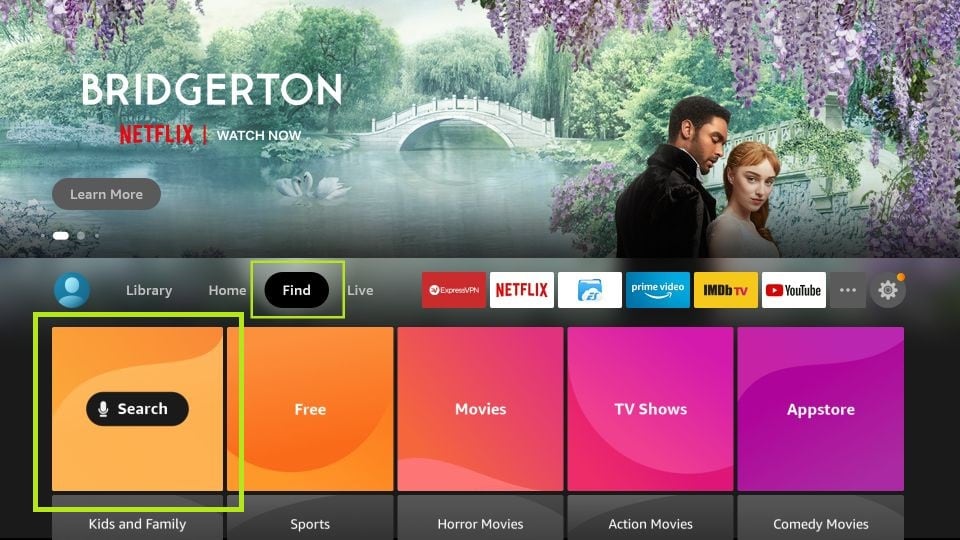
1. Open the Search tool from the FireStick home screen
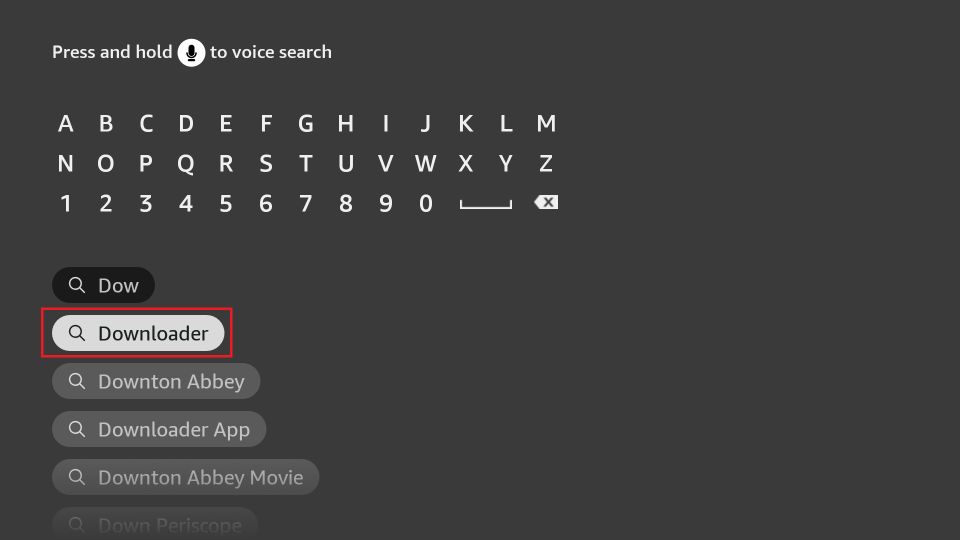
2. Search for Downloader and install it.
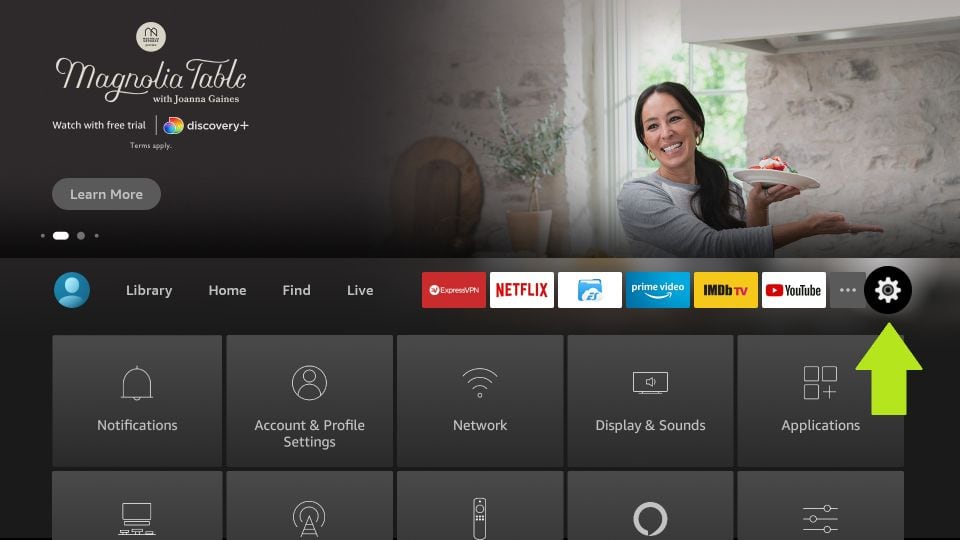
3. Go to Settings on your FireStick
4. Open My Fire TV
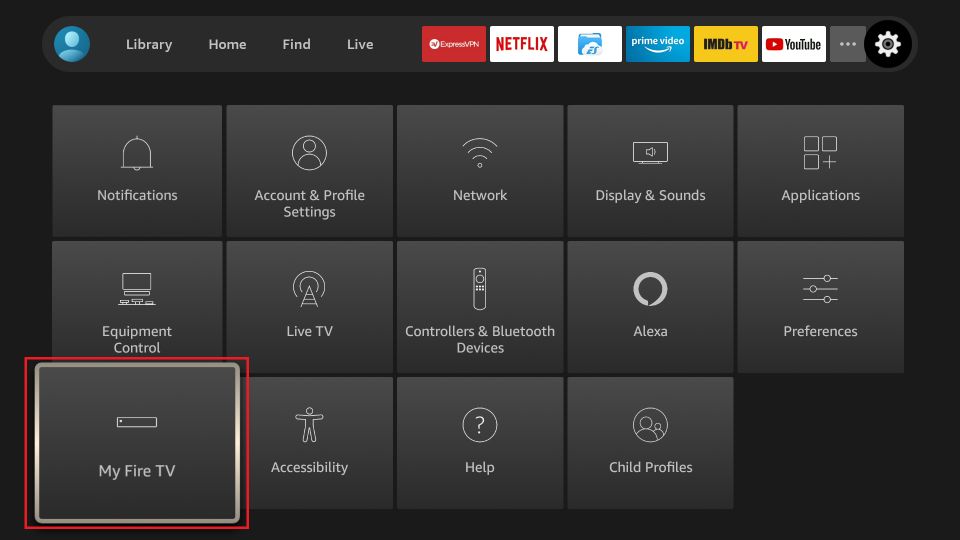
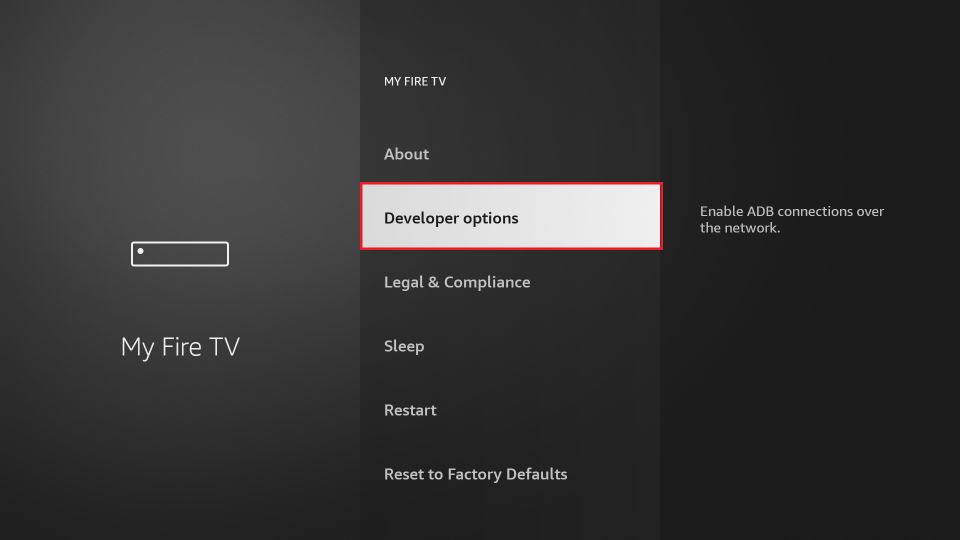
5. Select Developer Options (If you don’t see Developer Options, navigate to About → highlight your device name, and press the Select button on your remote 7 times. After that, go back one screen and Developer Options will appear.)
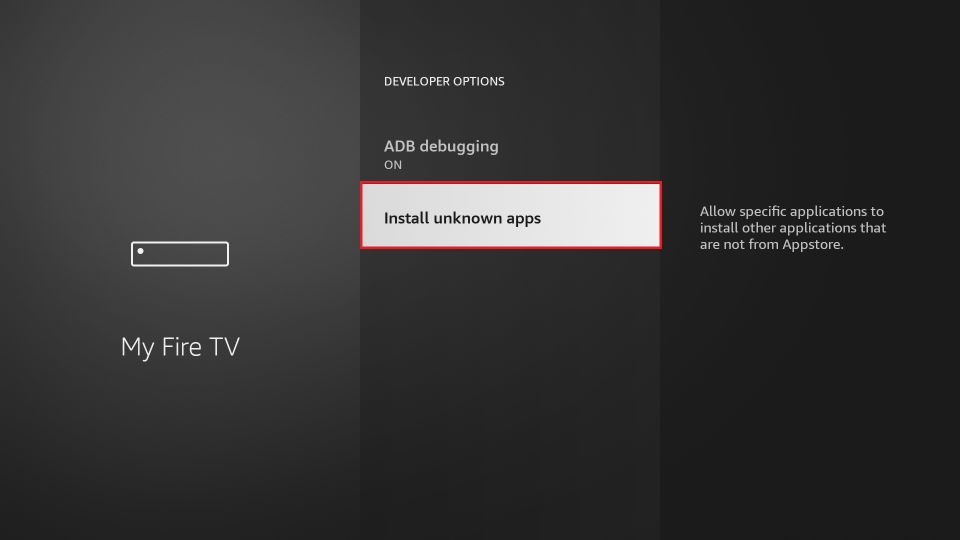
6. Click Install Unknown Apps
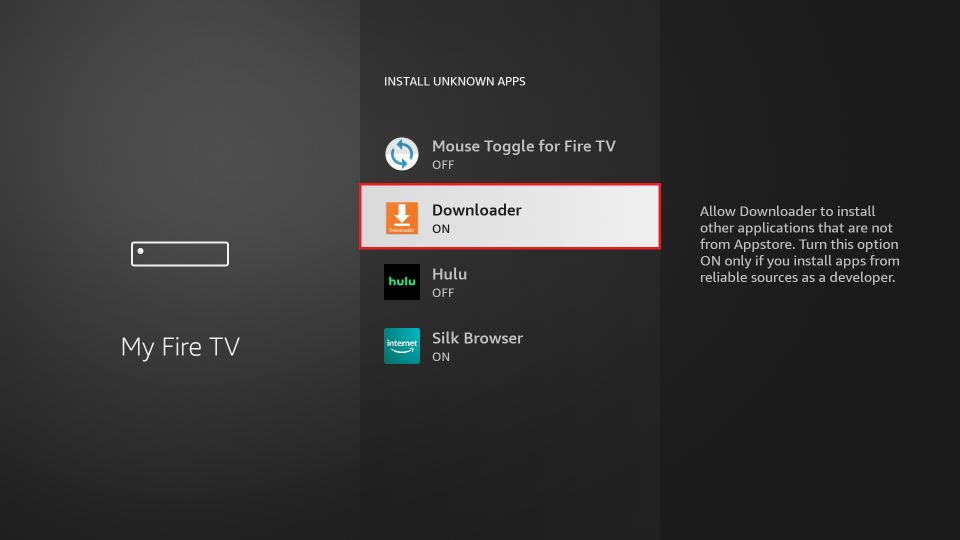
7. Turn ON permissions for the Downloader app
8. Go back to the home page and launch Downloader
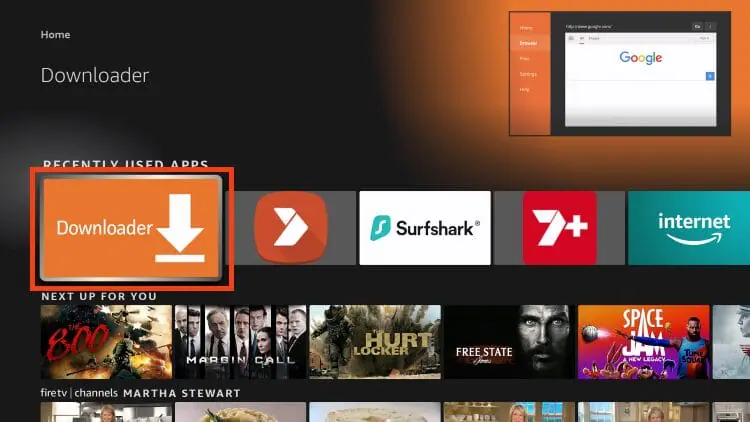
9. Click the URL box and enter 3759627 then click Go.
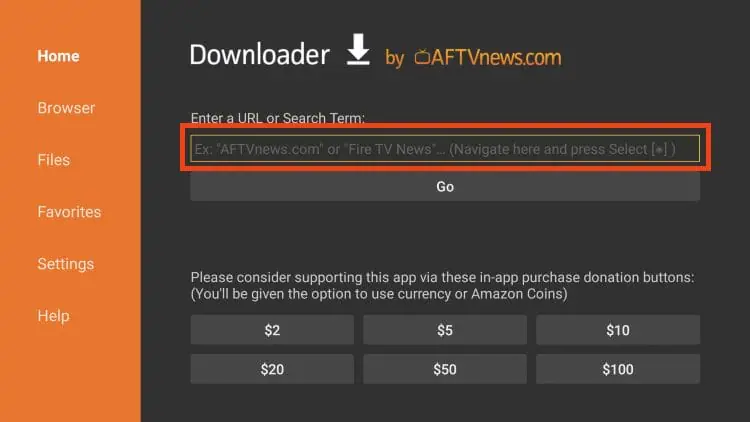
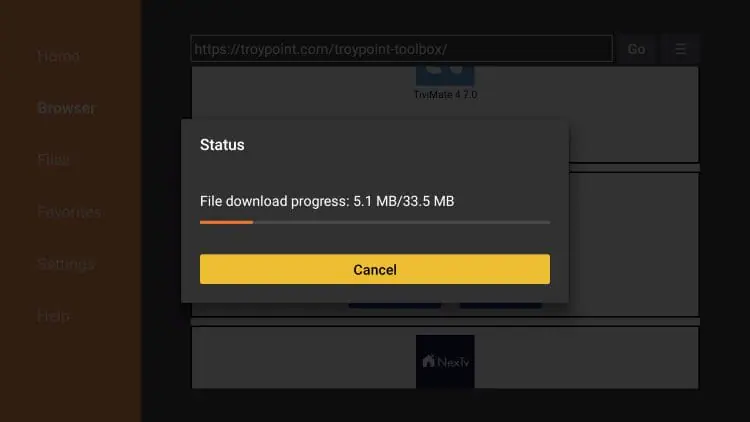
10. Wait for the app to download
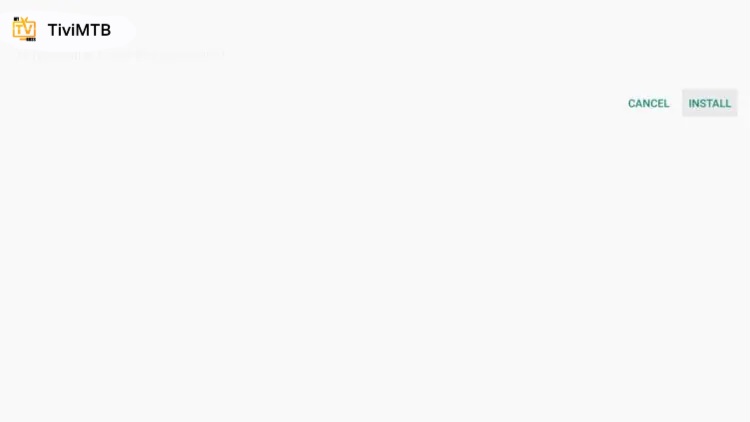
11. Click Install
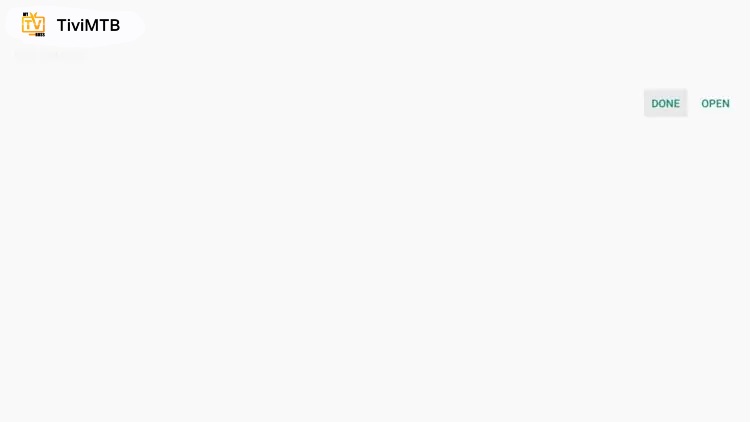
12. Click Open
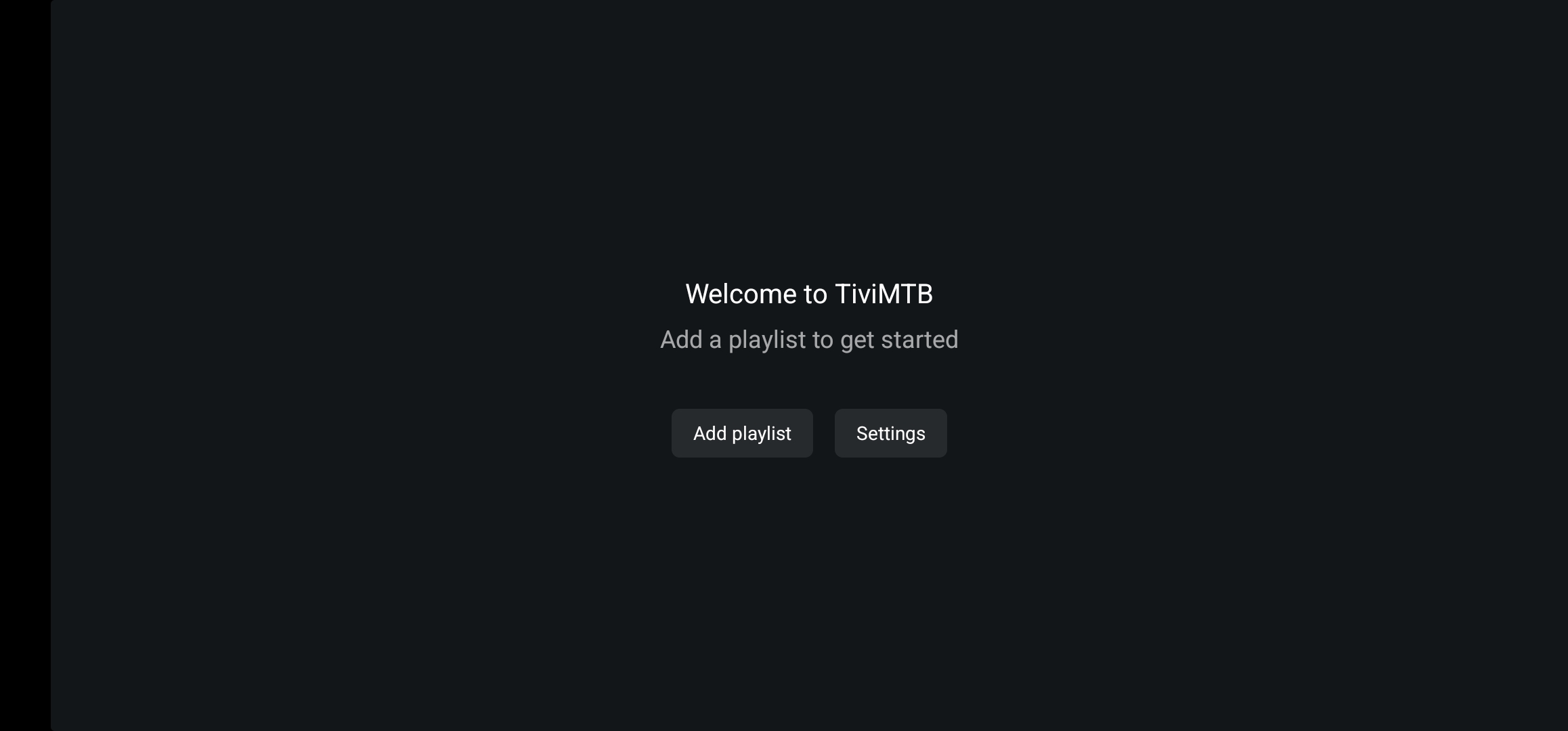
13. Launch TiviMTB and click Add Playlist.
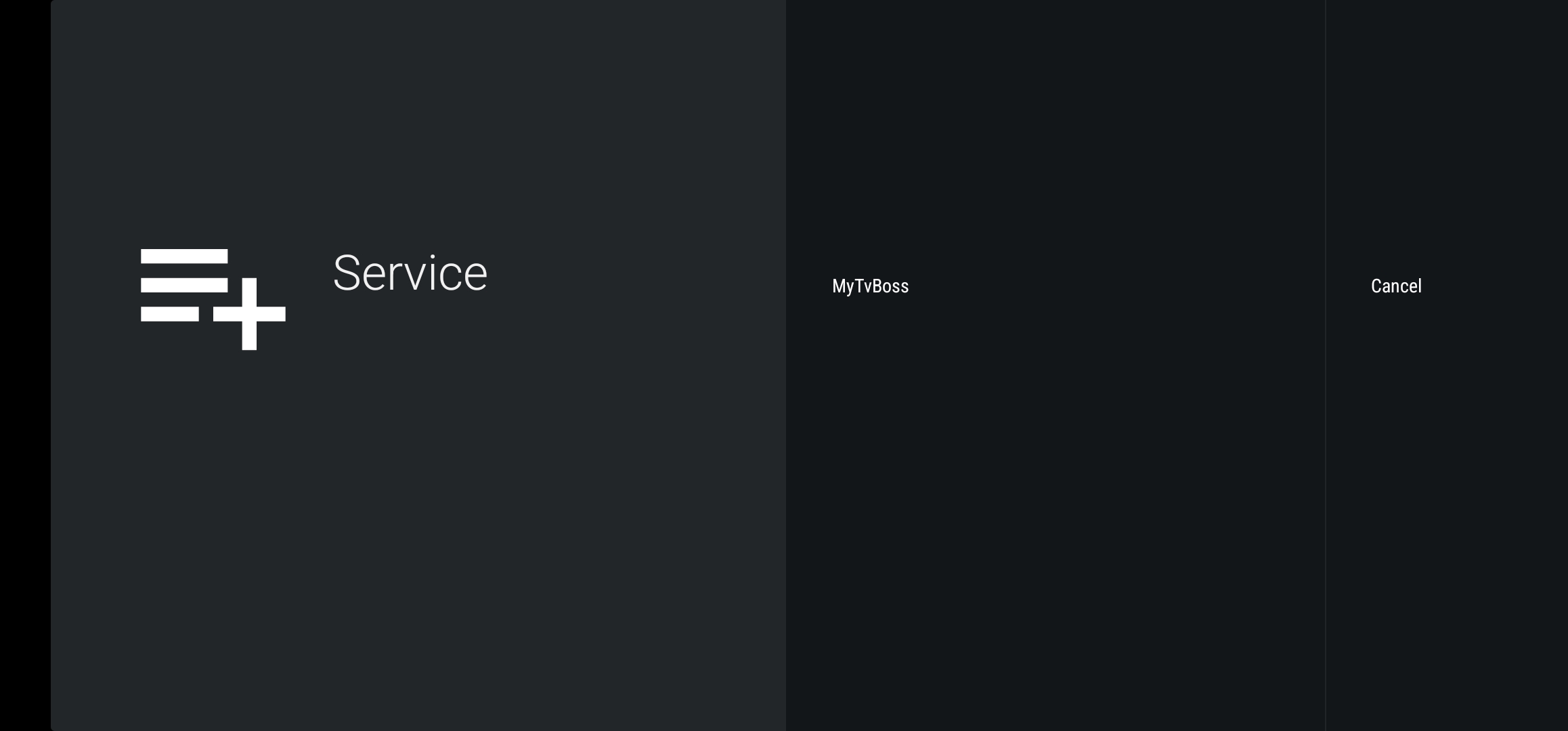
14. Select MyTvBoss.
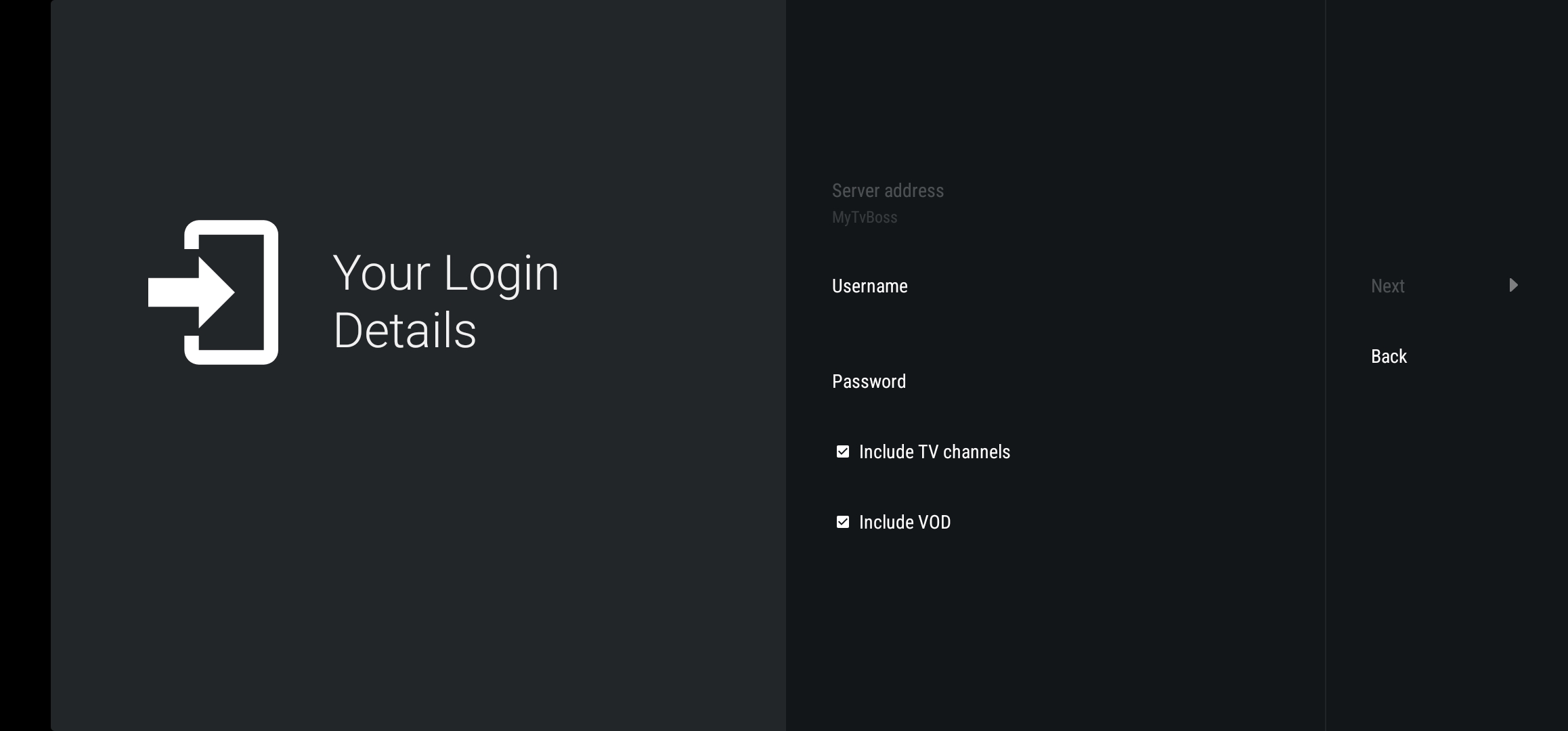
15. Enter your numerical username and password, leave both boxes checked and select next. (you will have received via email with subject "subscription info", check spam or junk folder if you dont see it).
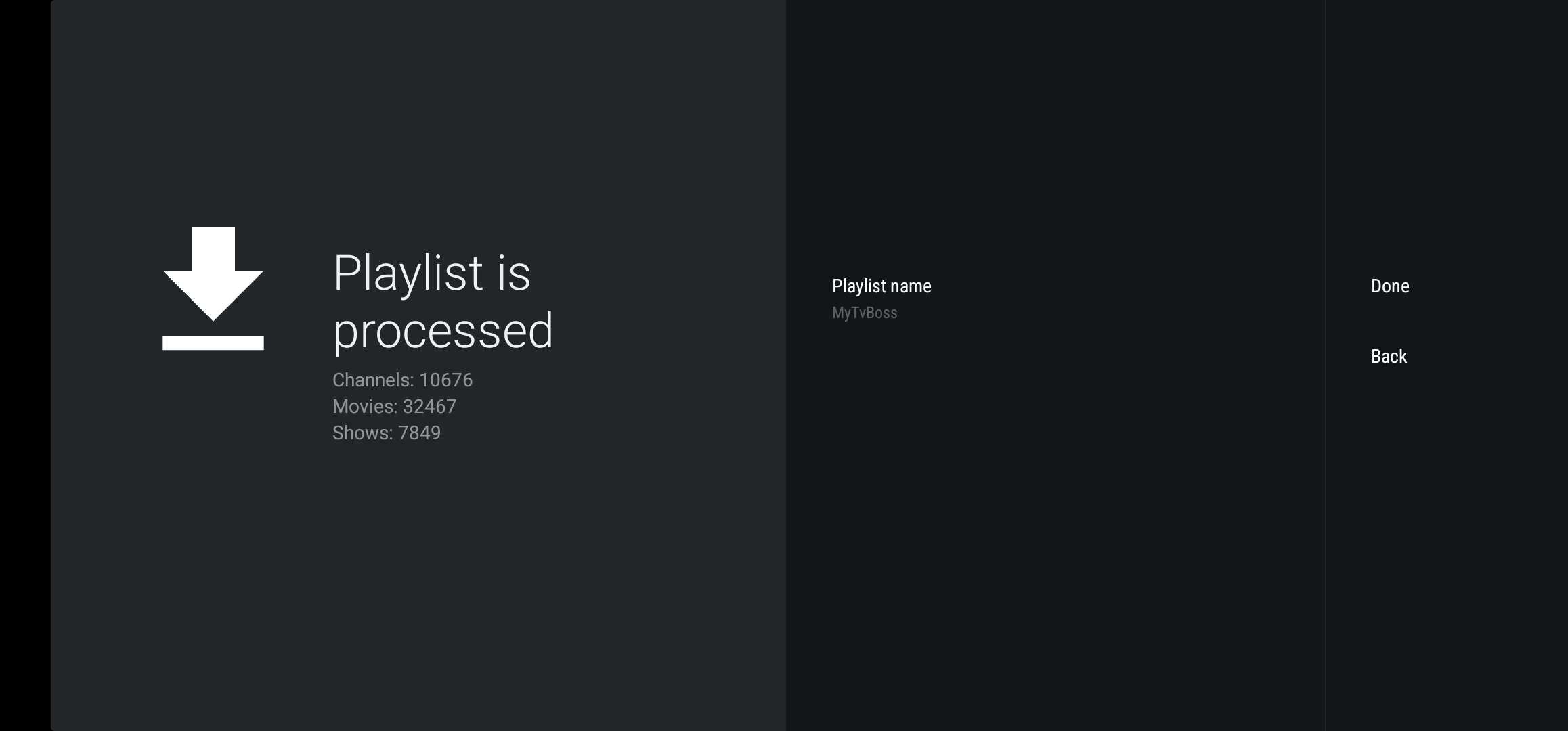
16. Once finsished processing, select done..
17. Enjoy!.